
Domains, servers and hosting, done properly.
We register and connect your domain, set up DNS, SSL and business email, build your server and install your site or app on the provider that fits. Then, if you want us to, we keep it backed up, monitored and patched.
- Domains & DNS
- Servers & installs
- Email & backups

DNS · example.com
Live- A@203.0.113.10
- CNAMEwwwexample.com
- CNAMEappapp-server.example.com
- MX@1 smtp.google.com
- TXT@v=spf1 include:_spf.google.com ~all
The right provider, set up end to end and handed over properly.
AWS, DigitalOcean, Hetzner, Vercel, Cloudflare or the host you already have. We pick the right one with you, configure it and stay on hand to run it if you want us to.
- A
- AAAA
- CNAME
- MX
- TXT
- CAA
- NS
- SRV
Ownership agreed up front
We recommend the registrar and provider accounts are opened in your name (we can walk you through it). Ownership is agreed in your proposal.
Clear costs
You see what each provider charges and what our setup and care cost, before we start.
Everything is written down
We document every DNS record, server and service, and where each login lives, so anyone can pick it up later.
Everything between your code and your customers
Domains, DNS, servers, email and the unglamorous parts that keep a site online. We set them up once, properly, and write down how it all fits together.
DNS · example.com
Live- A@203.0.113.10
- CNAMEwwwexample.com
- CNAMEappapp-server.example.com
- MX@1 smtp.google.com
- TXT@v=spf1 include:_spf.google.com ~all
- TXT_dmarcv=DMARC1; p=quarantine
https://example.com
Certificate valid · auto-renews
Domains, DNS & SSL
Your domain, pointed at the right place
We register new domains or transfer existing ones, then set up every record your site, app and email need.
- Domain registration and transfers
- A, AAAA, CNAME, MX, TXT and CAA records
- Subdomains for apps, staging and APIs
- SSL certificates that renew on their own
- HTTPS and www / non-www redirects
- Cloudflare DNS, CDN and caching
web-01
Running · Cloud VPS
- System
- Ubuntu 24.04 LTS
- Size
- 2 vCPU · 4 GB RAM
- Web server
- Nginx + HTTPS
- App
- Node.js in Docker
- Database
- PostgreSQL
- Firewall
- 22, 80, 443 only
Servers & installs
Servers built for what you actually run
Cloud and VPS servers configured from a clean base, with your website or app installed, deployed and ready for traffic.
- Linux VPS and cloud server setup
- Nginx, Docker and process managers
- WordPress, Next.js, Node and PHP apps
- Databases set up, secured and backed up
- Migrations from your old host
- Staging environments and deploy flows
- Ubuntu
- Debian
- Nginx
- Docker
- Node.js
- PHP
- PostgreSQL
- MySQL
Backups
example.com
Last 14 days
- Databaseevery 6 hours
- Filesdaily, 03:00
- Off-site copyseparate region
- Restore testpassed
Email & uptime · example.com
- SPFpass
- DKIMpass
- DMARCpass
- Uptime check200 OK
- Security updatesapplied
Email, backups & care
Email that lands, backups that restore
Business email that reaches inboxes, backups you can restore from and, if you want it, someone watching the site after launch.
- Google Workspace or Microsoft 365 setup
- SPF, DKIM and DMARC configured
- Automated, off-site backups
- Uptime monitoring and alerts
- Security hardening: SSH keys, firewall, updates
- Ongoing maintenance and renewals
How a setup or migration runs
The same steps whether it's a single domain or a full move to new servers. Scope and timing are agreed in your proposal before anything changes.
Go-live checklist
What we confirm before a launch or switch-over.
- DNS TTLs lowered before the switch
- SSL issued, HTTPS forced
- www and non-www redirect to one address
- SPF, DKIM and DMARC in place
- Backups scheduled and a restore tested
- Uptime checks and alerts switched on
- 1
Audit and plan
We look at what you have today: domain, registrar, DNS, current host, email and apps. You get a short written plan and the provider we would use.
- 2
Accounts and access
The registrar and provider accounts are set up as agreed in your proposal, and you give us the access we need to do the work.
- 3
Build and configure
Server, DNS, SSL, email authentication, CDN, backups and monitoring, with your site or app installed on a staging address first.
- 4
Switch over
We test, lower DNS TTLs ahead of time and switch at a quiet hour, so visitors and email keep flowing during the move.
- 5
Handover and care
We walk you through the setup and hand over the documentation. If you want, we stay on for updates, renewals, backup checks and fixes.
Set up on the provider that fits
These are the platforms we use most. They're recommendations, not partnerships. If your current host gives us SSH or a control panel, we can usually work with it.
Cloudflare
DNS, CDN, SSL and firewall rules
AWS
EC2, Lightsail, S3 and Route 53
DigitalOcean
Droplets, managed databases, Spaces
Hetzner
Cloud and dedicated Linux servers
Vercel
Next.js and front-end deployments
Google Workspace
Gmail on your domain, calendars and Drive
Microsoft 365
Outlook email, calendars and OneDrive
Your current host
cPanel, Plesk or SSH access

Sites and apps we’ve put live
DJ Crates runs a public website and a streaming app at app.djcrates.com. DJ A-ROK is a portfolio and booking site. Both built and launched by Development Bros.
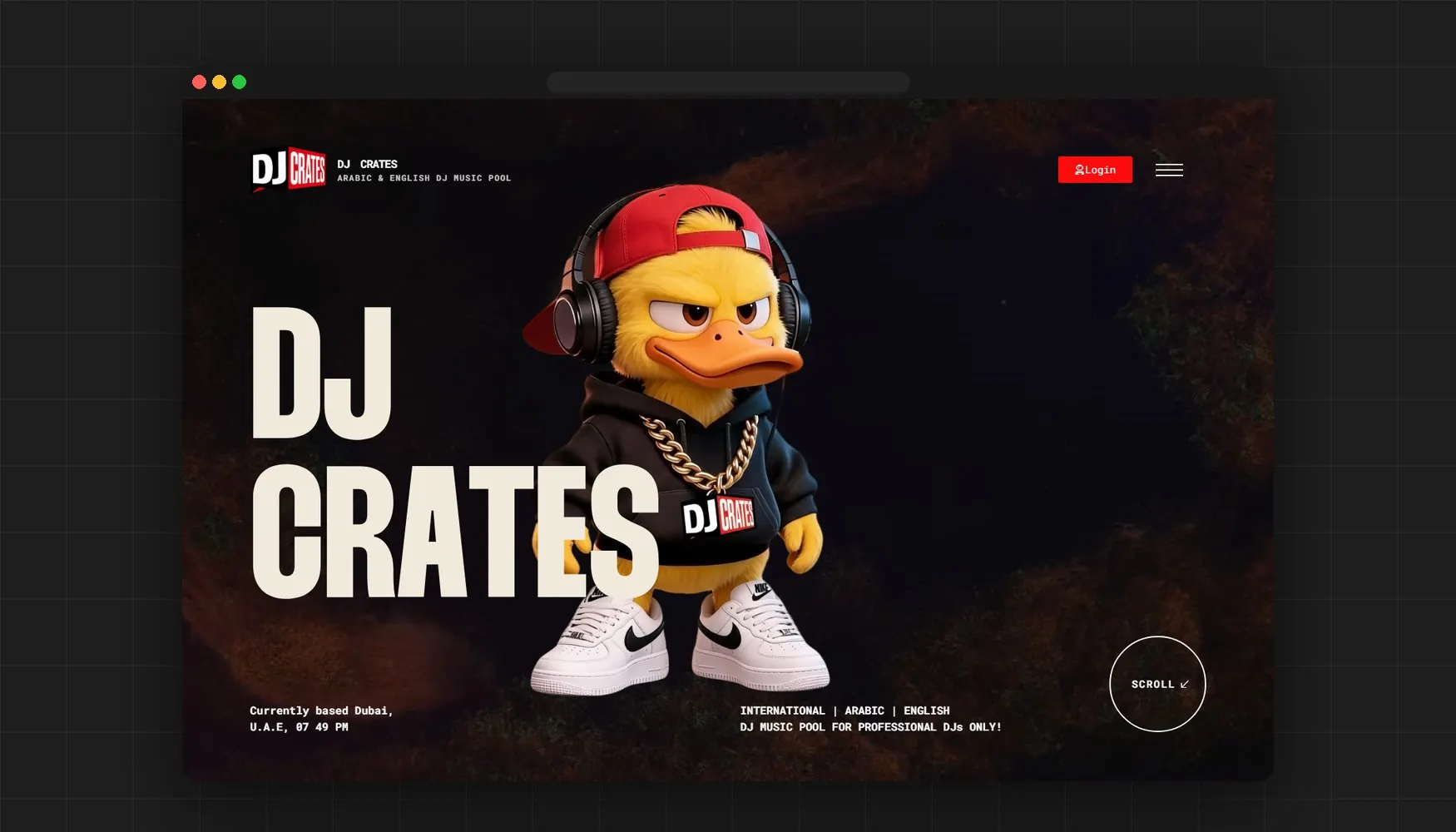
Music Pool · Streaming Web App
DJ Crates
An Arabic and English DJ music pool for professional DJs, with its own streaming app at app.djcrates.com — like Spotify, built for DJs.
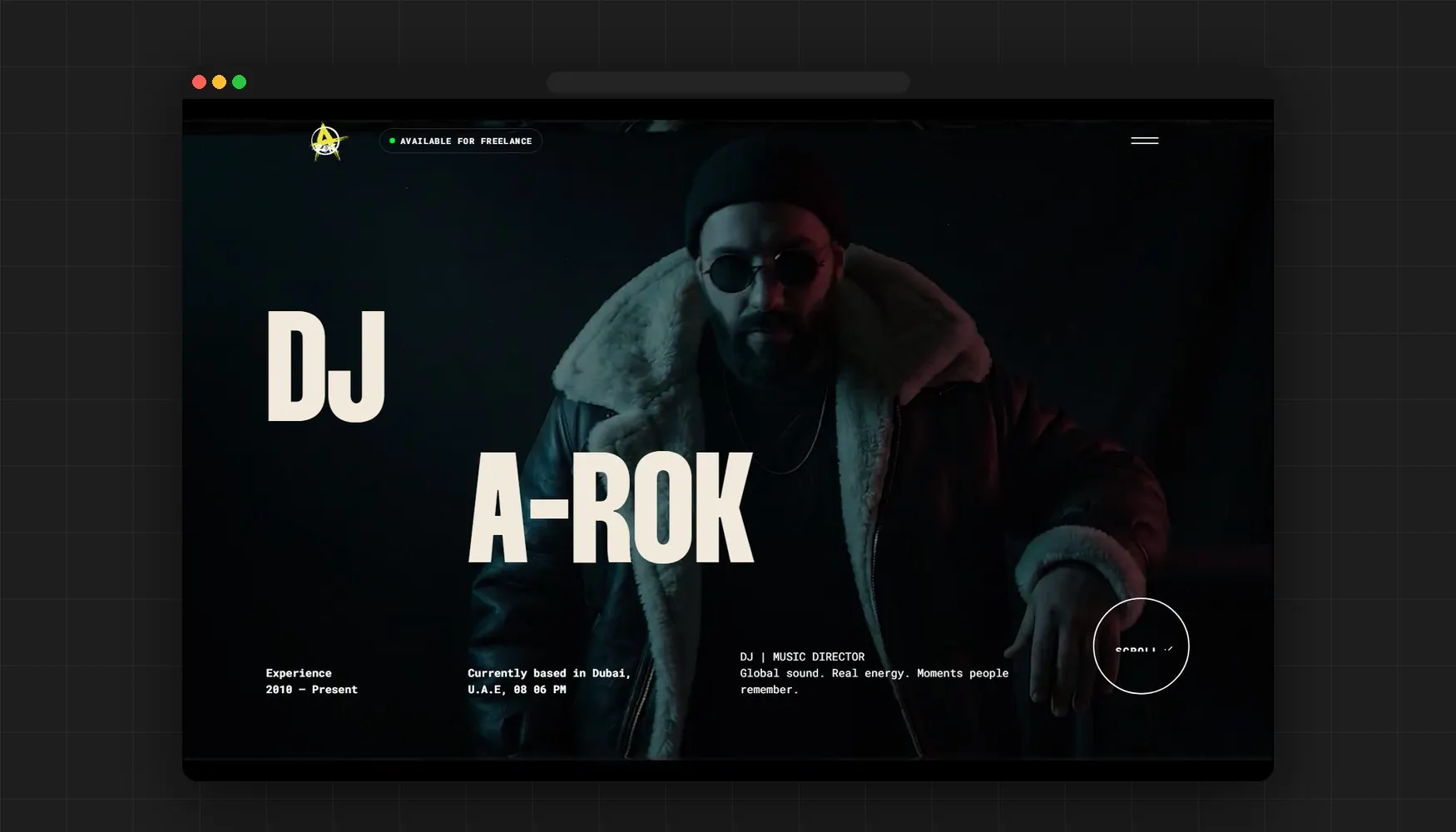
Artist Portfolio Website
DJ A-ROK
A portfolio and booking site for a Dubai-based DJ and music director — global sound, real energy, and a site that turns visitors into bookings.
Hosting and domain questions, answered
We set up and manage hosting on established providers such as AWS, DigitalOcean, Hetzner, Vercel or Cloudflare. Who holds the accounts and billing is agreed in your proposal, and we recommend domains and servers are registered in your name. We also document every record, setting and service so anyone can pick it up later.
More questions? Read the full FAQ or ask us directly.
More we can build for you
All servicesNeed a domain, a server or a migration? We’ll set it up properly.
Tell us what you run today and where you want it to live. We’ll reply with a plan, the provider we’d recommend and a clear quote.